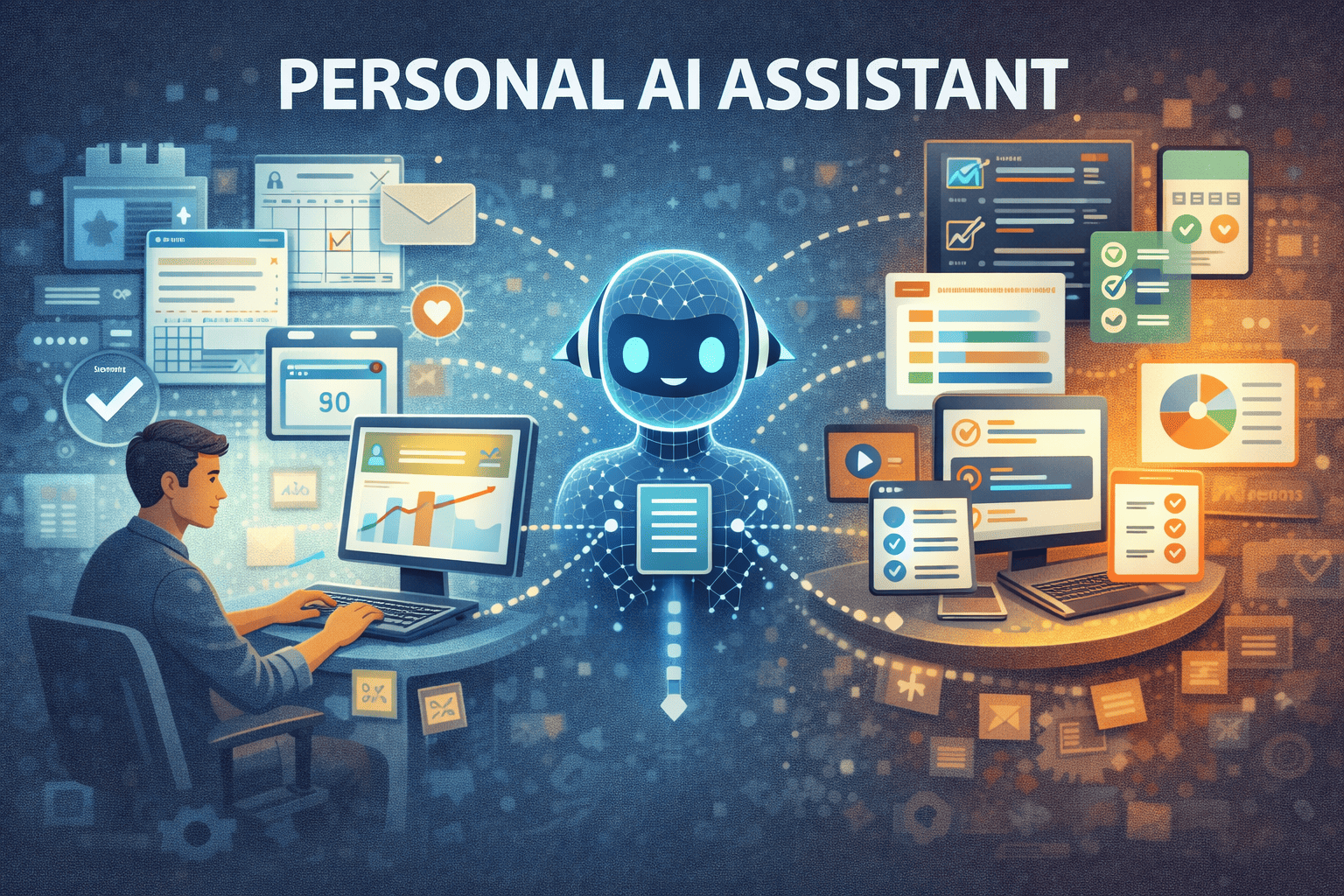
How to Create a Personal AI Assistant for Daily Workflows
AI assistant systems are no longer limited to chat interfaces or standalone productivity tools. When designed correctly, a personal AI assistant can coordinate daily workflows, reduce routine decisions, and adapt to how work actually unfolds throughout the day.
The challenge is not building an assistant that can answer questions, but creating one that fits naturally into daily workflows and continues to be useful after the novelty wears off.
This article explains how to create a personal AI assistant for daily workflows in a way that is practical, sustainable, and system-oriented.
Why Most Personal AI Assistants Fail
Many personal AI assistants fail for predictable reasons.
Common problems include:
- They require constant manual prompting
- They operate outside real workflows
- They add another interface to manage
- They focus on features instead of outcomes
As a result, users stop relying on them. The assistant becomes a tool you can use, not one you do use.
To avoid this, a personal AI assistant must be designed as part of a system, not as a standalone feature.
Start With Workflows, Not Capabilities
The most important design decision is where the assistant lives.
Instead of asking:
- “What can this assistant do?”
Ask:
- “Which daily workflows should this assistant support?”
Examples include:
- Daily planning and prioritization
- Document handling and summaries
- Task triage and follow-ups
- Information retrieval across tools
This approach mirrors the shift discussed in Why AI Automation Is Shifting from Tools to Systems, where value emerges from coordination rather than isolated actions.
Define the Role of the AI Assistant Clearly
A personal AI assistant should not replace judgment.
Its role is to:
- Propose options
- Surface relevant context
- Reduce repetitive decisions
- Escalate uncertainty
When the assistant tries to decide everything, trust erodes. When it supports decisions instead, adoption improves.
This is the same principle behind reducing decision fatigue in knowledge work — fewer routine decisions lead to more consistent outcomes.
Build the Assistant Around Inputs and Triggers
An effective AI assistant responds to signals, not commands.
Typical inputs include:
- Calendar changes
- New documents or emails
- Task updates
- Time-based events
Instead of manually asking the assistant what to do next, the assistant reacts when conditions change. This makes it feel proactive rather than reactive.
At this stage, you are no longer building a tool — you are designing a workflow system.
Use AI to Propose Actions, Not Execute Everything
Execution should be selective.
A personal AI assistant works best when it:
- Suggests next actions
- Highlights conflicts or overload
- Groups related tasks
- Flags exceptions
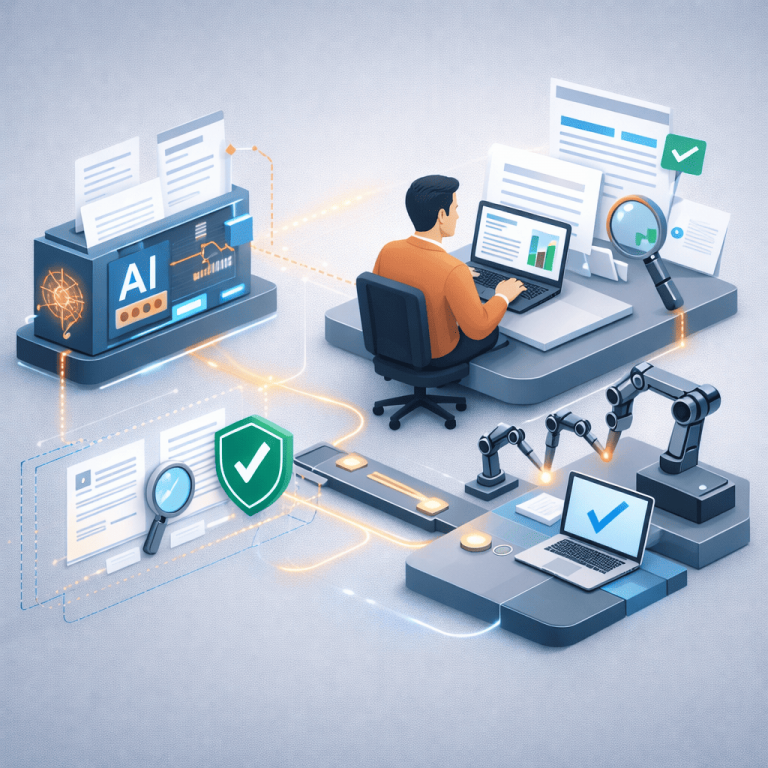
Humans remain responsible for approval. This balance prevents automation from becoming brittle and keeps the assistant aligned with real priorities.
Integrate the Assistant Across Existing Tools
A personal AI assistant should reduce tool-switching, not increase it.
Key integrations often include:
- Task managers
- Calendars
- Document systems
- Communication tools
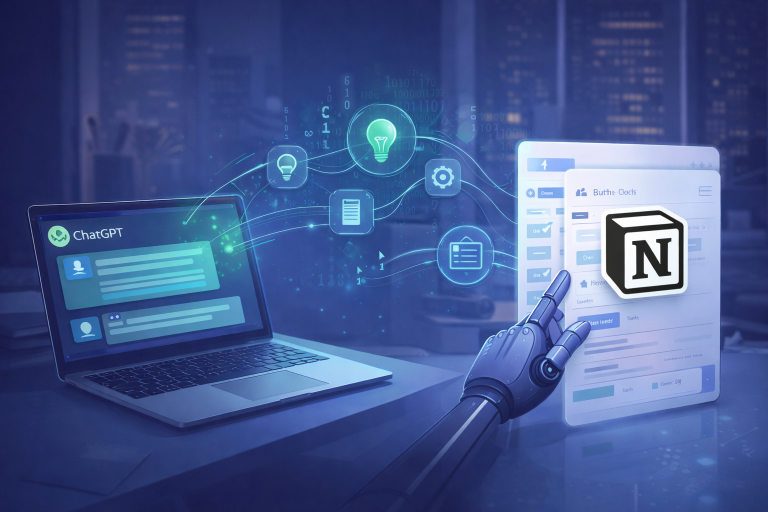
The assistant becomes a coordination layer rather than another destination. This system-level design aligns with how end-to-end AI workflows outperform isolated automations.
Add a Lightweight Feedback Loop
Without feedback, AI assistants drift.
Simple feedback mechanisms include:
- Accept/adjust/ignore signals
- Marking suggestions as helpful or not
- Periodic review prompts
This allows the assistant to adapt over time without requiring complex retraining or configuration.
Avoid Overengineering Early
Many personal AI assistants fail because they are too complex.
Common mistakes include:
- Too many triggers
- Too many rules
- Too many integrations
Start with one or two workflows and expand only when the assistant proves useful. Reliability matters more than coverage.
Security and Data Boundaries Matter
Personal AI assistants often touch sensitive information.
Be explicit about:
- What data can the assistant access
- What actions can trigger
- When human confirmation is required
Trust is fragile. Clear boundaries preserve it.
For broader guidance on building reliable, people-first automation systems, Google’s guidance on building helpful systems provides a solid reference point.
When a Personal AI Assistant Actually Sticks
Personal AI assistants work best when:
- Work is interrupt-driven
- Context switching is frequent
- Priorities change daily
- Decision fatigue is a recurring issue
They are less effective in rigid, procedural environments.
Final Thoughts
Creating a personal AI assistant is not about intelligence. It is about alignment.
When an assistant is designed around real workflows, clear roles, and adaptive systems, it fades into the background and becomes part of how work naturally flows.
That is when it stops feeling like a tool — and starts feeling like infrastructure.