Designing End-to-End AI Workflows Instead of Isolated Automations
Automation has been part of digital work for years. Scripts, integrations, triggers, and bots helped reduce manual effort across tools. Yet many teams find themselves surrounded by automations that save time individually but create complexity collectively.
The problem is not automation itself. It is the way automation is designed.
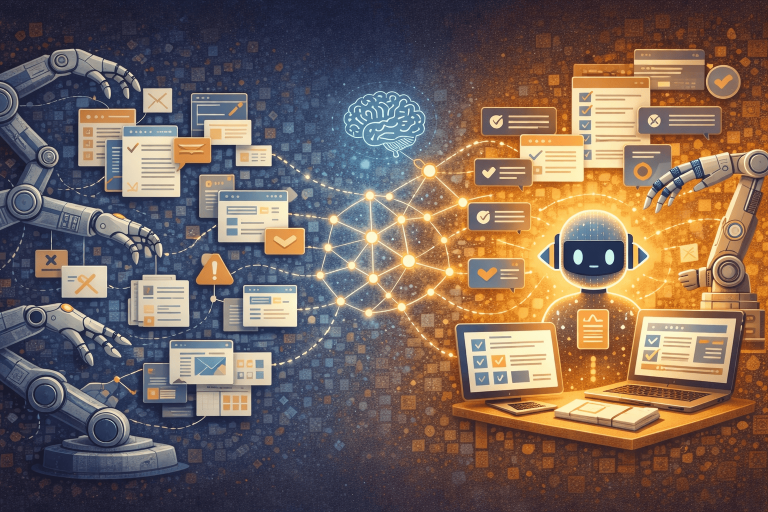
Isolated automations optimize single steps. End-to-end AI workflows optimize outcomes.
This article explains why isolated automations break down at scale, what defines an end-to-end AI workflow, and how to design systems that remain reliable as complexity grows.
Why Isolated Automations Stop Working
Most automation starts with a local pain point:
- “Can we auto-create tasks from emails?”
- “Can we sync this data between tools?”
- “Can we automate report generation?”
Each automation solves a real problem. Over time, however, these solutions stack without coordination.
Common symptoms appear:
- Automations depend on fragile assumptions
- Edge cases accumulate
- Failures are hard to detect
- Ownership becomes unclear
- Manual fixes return quietly
At this stage, automation increases cognitive load instead of reducing it. Teams spend more time maintaining the system than benefiting from it.
The core issue is that isolated automations have no understanding of the full workflow.
Automation vs Workflow Design
Automation answers the question:
“How do we remove this manual step?”
Workflow design answers a different question:
“How should this work from start to finish?”
End-to-end workflows begin with:
- A clear starting event
- A defined outcome
- Intermediate states
- Decision points
- Failure handling
- Human involvement where necessary
Automation becomes a tool inside the workflow, not the workflow itself.
What Defines an End-to-End AI Workflow
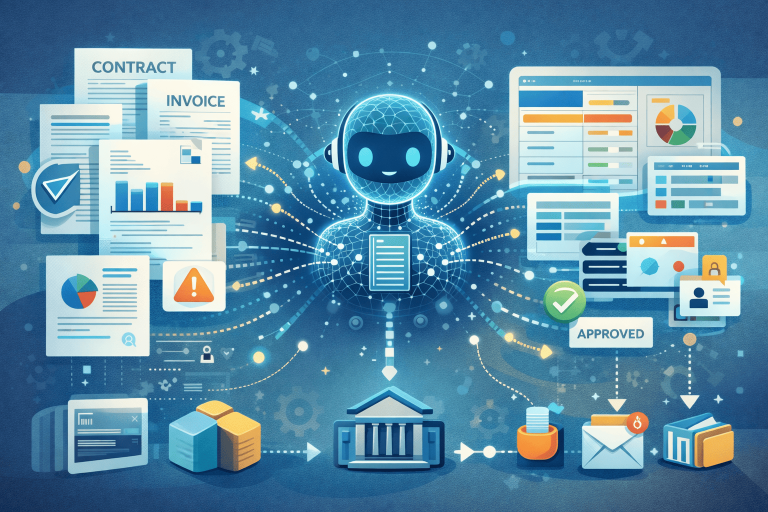
An end-to-end AI workflow is a coordinated system that manages a process from initiation to resolution.
Key characteristics include:
1. Outcome-Oriented Design
The workflow is built around an outcome, not a task.
For example:
- “Respond appropriately to inbound requests.”
- “Maintain up-to-date knowledge”
- “Detect and escalate anomalies.”
Tasks are secondary.
2. State Awareness
The system knows where it is in the process:
- New
- In progress
- Waiting
- Escalated
- Completed
Without a state, automation cannot reason about what should happen next.
3. Context Persistence
AI workflows require memory:
- Previous actions
- Related data
- Historical decisions
This allows AI to act consistently instead of treating every step as a new event.
4. Decision Boundaries
Not every decision should be automated.
Effective workflows clearly define:
- What AI decides
- What humans decide
- When handoff occurs
This prevents over-automation and preserves trust.
Why AI Changes Workflow Design
Traditional automation follows rules. AI operates on probabilities and context. This shift is closely connected to the rise of agentic workflows, where AI systems operate with defined goals and increasing autonomy.
This enables:
- Flexible decision-making
- Pattern recognition
- Adaptive behavior
But it also requires stronger constraints.
AI should not be dropped into existing automations without redesign. It should be integrated into workflows that:
- Expect uncertainty
- Allow review
- Log actions and outcomes
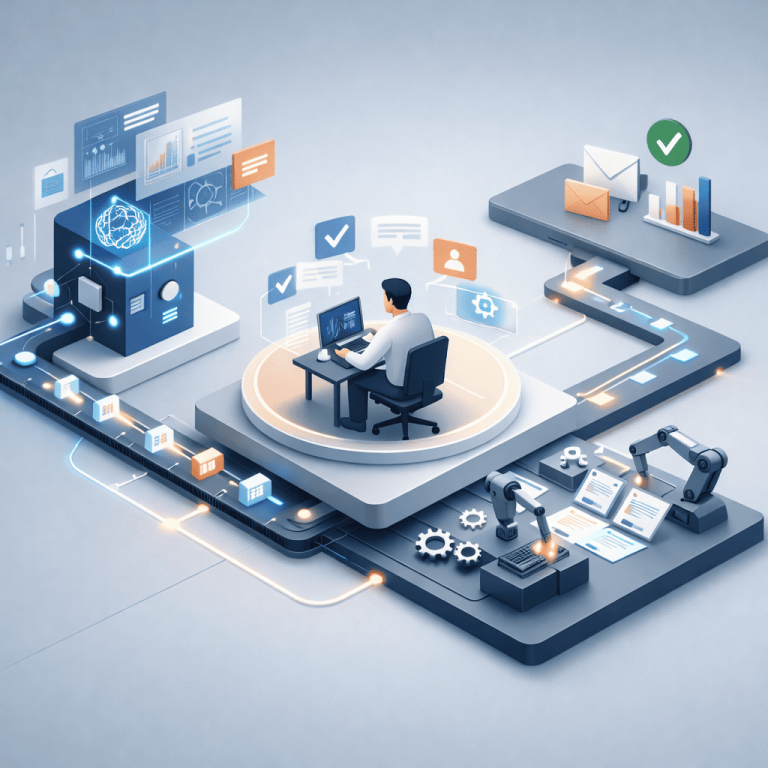
AI works best as an orchestration layer, not a collection of isolated scripts.
A Practical Example: From Isolated Automation to Workflow
Isolated approach:
- Auto-tag emails
- Auto-create tasks
- Auto-draft replies
Each automation works independently. Failures are silent. Context is fragmented.
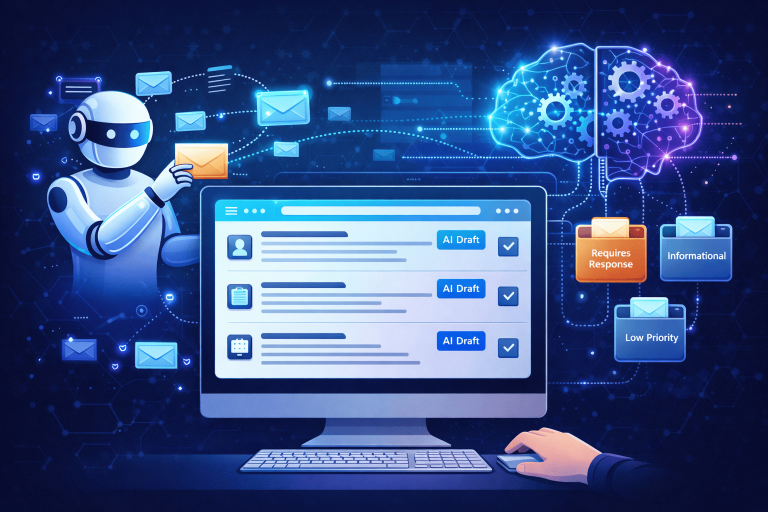
End-to-end workflow approach:
- Inbound message detected
- Context gathered (sender, history, urgency)
- AI categorizes intent
- Decision point:
- Auto-handle
- Queue for review
- Escalate
- Action executed
- Outcome logged
- Follow-up scheduled
The difference is not intelligence. It is coordination.
Designing End-to-End AI Workflows Step by Step
Step 1: Map the Full Process
Document the workflow manually before automation:
- Where does it start?
- What decisions occur?
- Where does it end?
- What can go wrong?
This step prevents premature optimization.
Step 2: Identify Decision Types
Classify decisions:
- Deterministic (rules)
- Probabilistic (AI)
- Judgment-based (human)
Assign each to the appropriate layer.
Step 3: Define States and Transitions
Every workflow should have explicit states and transitions.
This makes failures visible and recoverable.
Step 4: Introduce AI Where Context Matters
Use AI where:
- Pattern recognition is needed
- Volume is high
- Consistency matters more than creativity
Avoid using AI where outcomes must be exact.
Step 5: Build Observability
End-to-end workflows must be observable:
- Logs
- Metrics
- Alerts
If you cannot see what the system is doing, you cannot trust it.
Why End-to-End Workflows Scale Better
As complexity grows:
- Isolated automations multiply
- Dependencies increase
- Failures compound
End-to-end workflows absorb complexity by design.
They:
- Centralize logic
- Reduce duplication
- Clarify ownership
- Enable gradual improvement
This makes them suitable not only for individuals, but for teams and organizations.
Common Mistakes to Avoid
- Automating steps without defining outcomes
- Adding AI without redesigning the workflow
- Removing humans entirely too early
- Ignoring failure states
- Treating automation as “set and forget.”
Reliable workflows evolve. They are never finished.
The Strategic Shift
Designing end-to-end AI workflows is a mindset shift.
Instead of asking:
“What can we automate next?”
Ask:
“How should this process run if humans were not involved in every step?”
AI becomes a component of system design, not a shortcut.
Final Thoughts
Isolated automations solve local problems. End-to-end AI workflows solve systemic ones.
As AI becomes more capable, the limiting factor is no longer technology. It is workflow design.
The teams that succeed will not be the ones with the most automations, but the ones with the clearest systems—where AI operates inside well-defined processes, not around them.
That is the difference between automation and infrastructure.