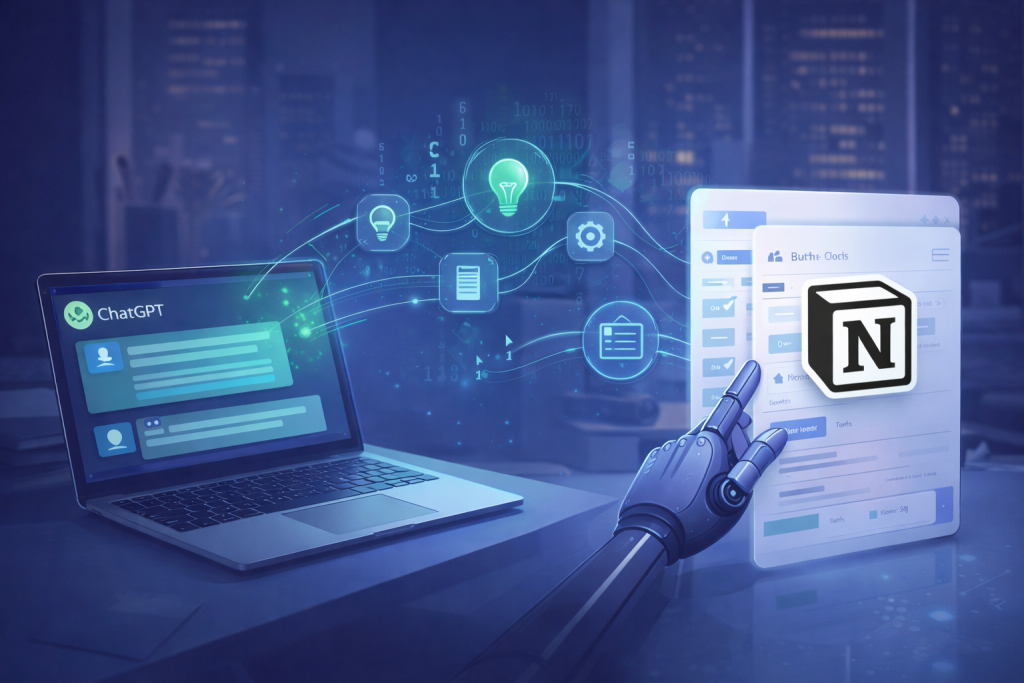

In this guide, I will show you how to set up a ChatGPT Notion Automation that saves hours of work. Over the last several years, I’ve seen content teams struggle not with ideas, but with consistency. Writing drafts, organizing outlines, and maintaining a steady publishing rhythm takes more coordination than creativity. Connecting ChatGPT to Notion changes that dynamic entirely.
When set up correctly, this workflow turns Notion into a living content system and ChatGPT into an on-demand writing assistant that works inside your process, not outside of it.
Why ChatGPT and Notion Work So Well Together
Most content tools fail because they force writers to jump between platforms. Notion already acts as a single source of truth for many teams. Adding ChatGPT removes the friction between planning and execution.
The real value isn’t automation for its own sake. It’s context.
Instead of prompting ChatGPT manually every time, you create structured prompts once and let the system generate drafts, summaries, or ideas directly inside your Notion workspace.
“The best automation doesn’t replace thinking. It removes the steps that interrupt it.”
Core Use Cases for Automated Content Generation
In real-world workflows, this integration is most effective in three areas:
- Draft creation
Generate first drafts based on structured Notion fields like topic, target audience, and tone. - Content repurposing
Turn long-form articles into summaries, social posts, or newsletters automatically. - Editorial consistency
Maintain a uniform voice across multiple writers by standardizing prompts.
This approach is especially powerful for solo creators and small teams where speed matters more than complexity.
Setting Up Your ChatGPT Notion Automation Workflow
At a high level, the system follows a simple loop:
- You create a content database in Notion
- Each entry includes structured fields (title, angle, keywords, intent)
- ChatGPT reads those fields via automation
- A draft is generated and written back into Notion
No copy-pasting. No switching tabs.
According to research published by McKinsey, AI-driven workflows primarily improve productivity by reducing coordination overhead rather than eliminating roles. This is exactly what happens when content generation becomes part of the planning system itself.
Common Mistakes to Avoid
The biggest mistake I see is automating too early.
If your content structure is unclear, ChatGPT will only amplify that confusion. Automation works best when:
- prompts are specific
- expectations are documented
- human review remains part of the process
ChatGPT should accelerate your workflow, not replace editorial judgment.
How I Structure Notion Databases for AI Content Workflows
Over the years, I’ve learned that the quality of automated output depends almost entirely on how the Notion database is designed. ChatGPT performs best when it receives clear, well-defined inputs rather than long, unstructured descriptions.
In my own setups, each content database includes a few critical fields:
- Primary topic – a single, focused idea rather than a broad theme
- Search intent – informational, transactional, or comparative
- Target reader – role, experience level, or industry
- Desired outcome – what the reader should understand or do after reading
- Tone reference – concise, analytical, conversational, or instructional
These fields act as guardrails. They reduce randomness and ensure that generated drafts align with both editorial goals and SEO requirements.
Once this structure is in place, automation becomes predictable. Drafts are faster to review, edits are lighter, and writers spend more time improving clarity instead of fixing direction.
This is where most teams unlock real efficiency — not by generating more words, but by generating better first drafts consistently.
Final Thoughts
Connecting ChatGPT to Notion for automated content generation isn’t about producing more content. It’s about creating a system that scales without burning out the people inside it.
When done correctly, this setup becomes invisible. Ideas move to drafts naturally, and writers focus on refinement instead of repetition. That’s where real leverage lives.